Step to install VMware Workstation on a Linux system.
Step to install VMware Workstation on a Linux system.
Step to install VMware Workstation on a Linux system.
Step by step to install VMware Workstation on a Linux system like Debian/Ubuntu.
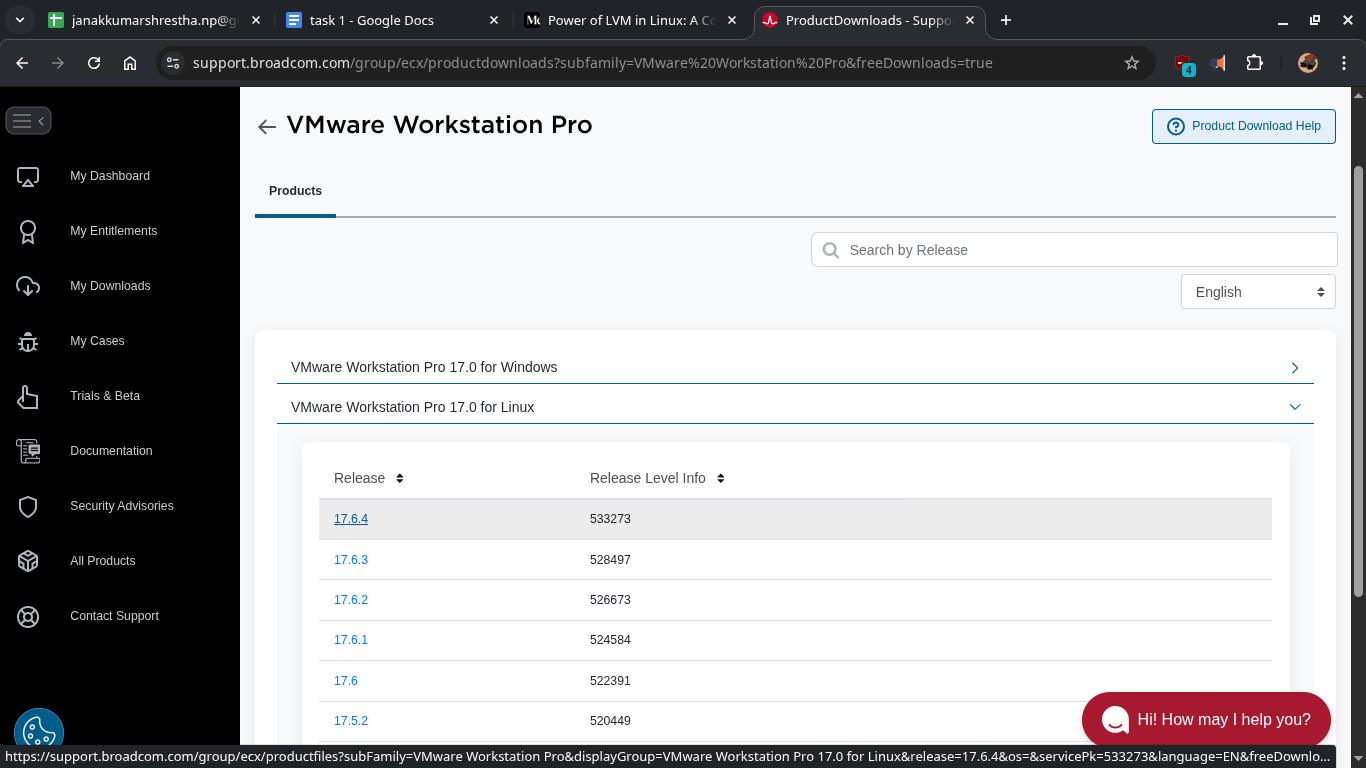
Download VMware Workstation Bundle File (Need broadcom.com account)
Go to the official VMware download page: VMware Workstation Pro
Choose required option for your system and download the
.bundlefile.- Example:
VMware-Workstation-Full-17.6.4-24832109.x86_64.bundle
- Example:
Save it in
/Downloads.
Prepare the System
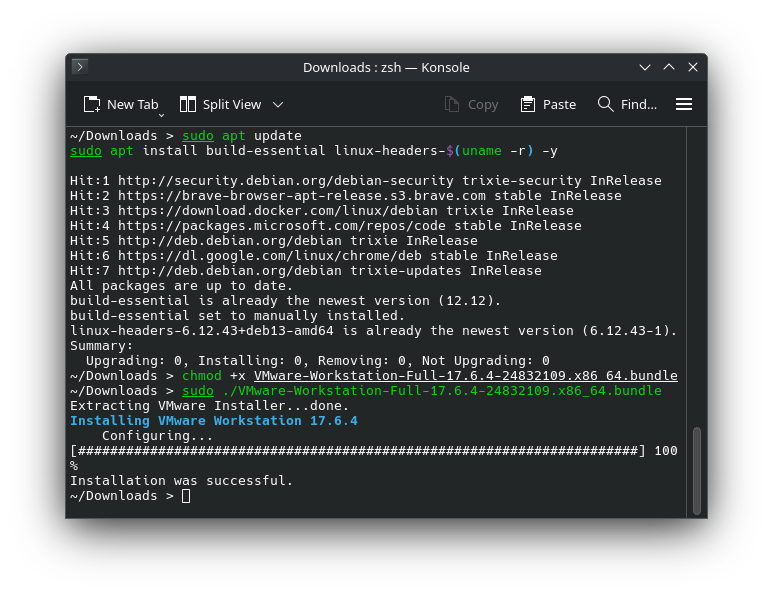
Open a terminal and run:
1
2
sudo apt update
sudo apt install build-essential linux-headers-$(uname -r) -y
build-essential: needed to compile kernel modules.linux-headers: required for VMware kernel modules.
Make the Bundle Executable
Navigate to the folder where you downloaded the bundle and run:
1
2
cd ~/Downloads
chmod +x VMware-Workstation-Full-17.6.4-24832109.x86_64.bundle
Run the Installer
Run the installer with:
1
sudo ./VMware-Workstation-Full-17.6.4-24832109.x86_64.bundle
Launch VMware Workstation
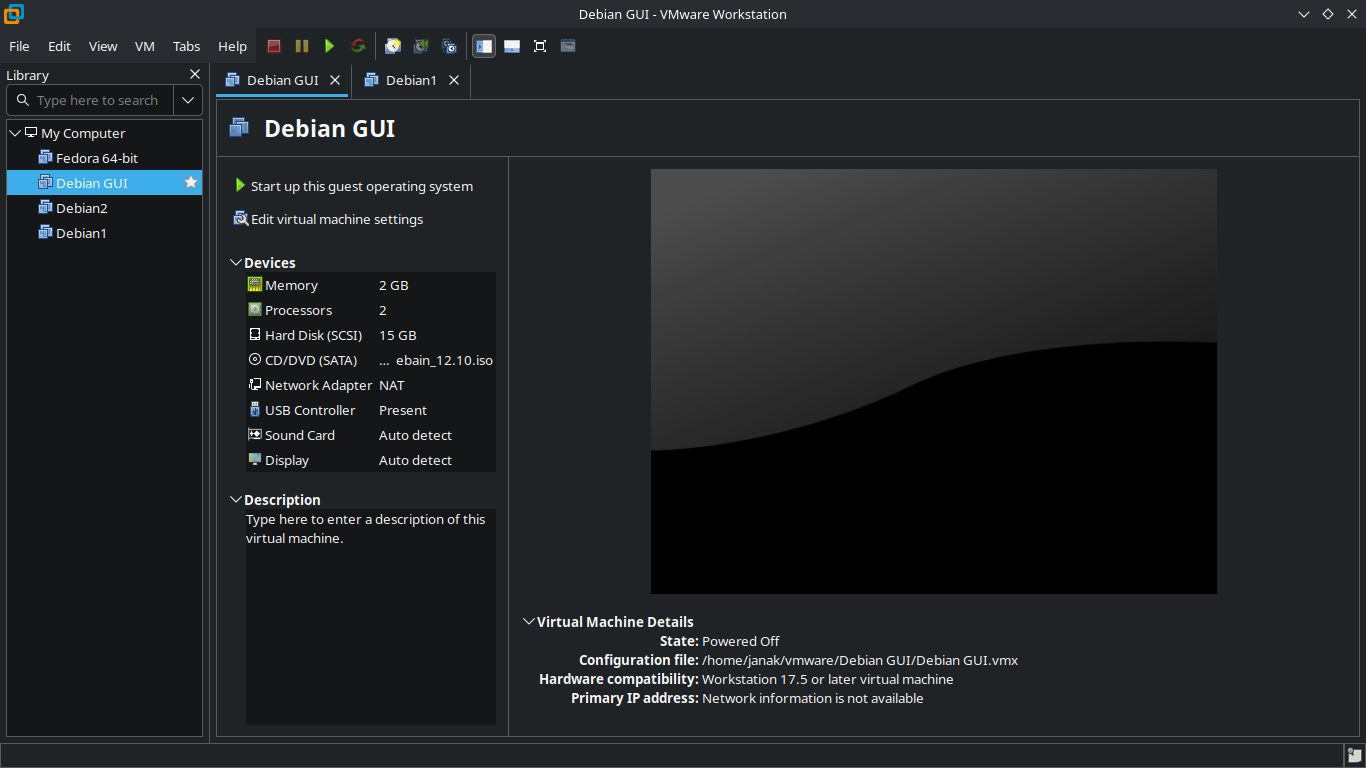
After installation, launch VMware:
Thank Your
This post is licensed under CC BY 4.0 by the author.