Hosting a WordPress site in Debain in simple steps.
Hosting a WordPress site in Debain in simple steps.
Hosting a WordPress site in Debain in simple steps.
simple step-by-step guide to host a WordPress site on Debian:
Setup LAMP stack (Linux, Apache, MariaDB/MySQL, PHP) with phpMyAdmin on Debian
Steps to Host WordPress blog inside /var/www/html/blog in Debain Linux
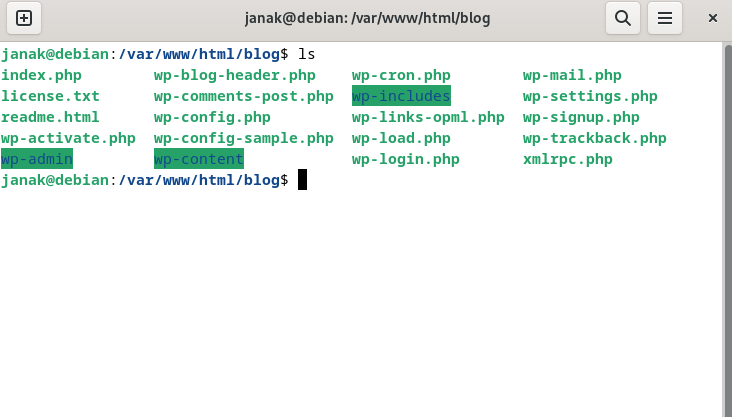
1. Download WordPress
1
2
3
4
5
cd /var/www/html/blog
sudo wget https://wordpress.org/latest.tar.gz
sudo tar -xvzf latest.tar.gz
sudo mv wordpress/* .
sudo rm -rf wordpress latest.tar.gz
2. Create Database for WordPress
1
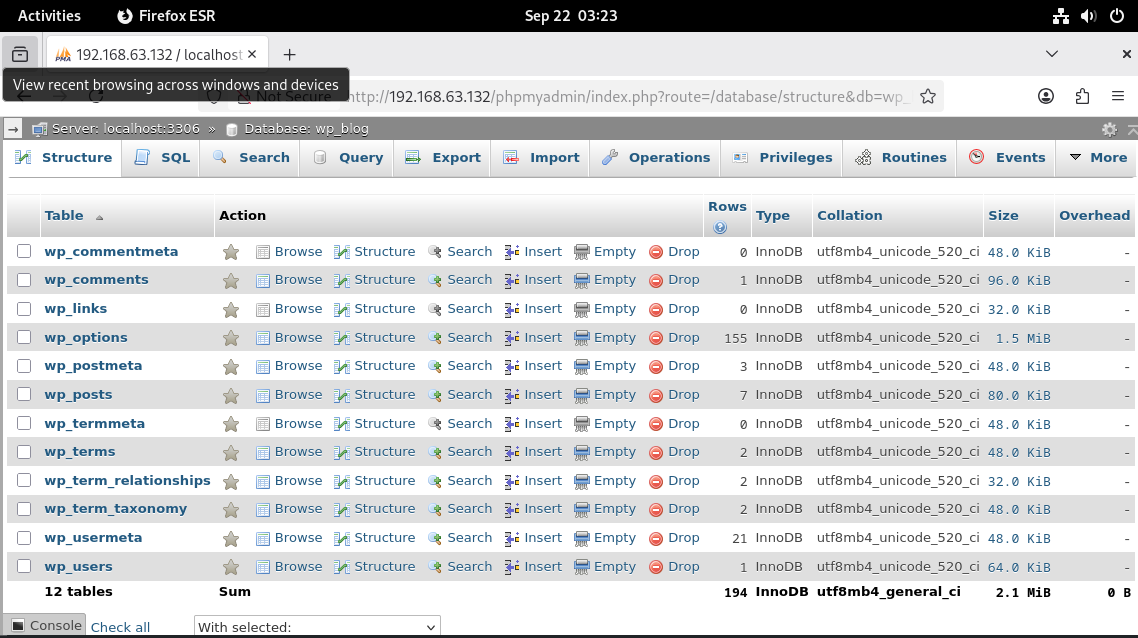
sudo mariadb -u root -p
Inside MariaDB:
1
2
3
4
5
CREATE DATABASE wp_blog;
CREATE USER 'janak'@'localhost' IDENTIFIED BY 'janak0ff';
GRANT ALL PRIVILEGES ON wp_blog.* TO 'janak'@'localhost';
FLUSH PRIVILEGES;
EXIT;
3. Configure WordPress
1
2
sudo cp wp-config-sample.php wp-config.php
sudo nano wp-config.php
Update:
1
2
3
4
define( 'DB_NAME', 'wp_blog' );
define( 'DB_USER', 'janak' );
define( 'DB_PASSWORD', 'janak0ff' );
define( 'DB_HOST', 'localhost' );
4. Fix Permissions
1
2
sudo chown -R www-data:www-data /var/www/html/blog
sudo chmod -R 755 /var/www/html/blog
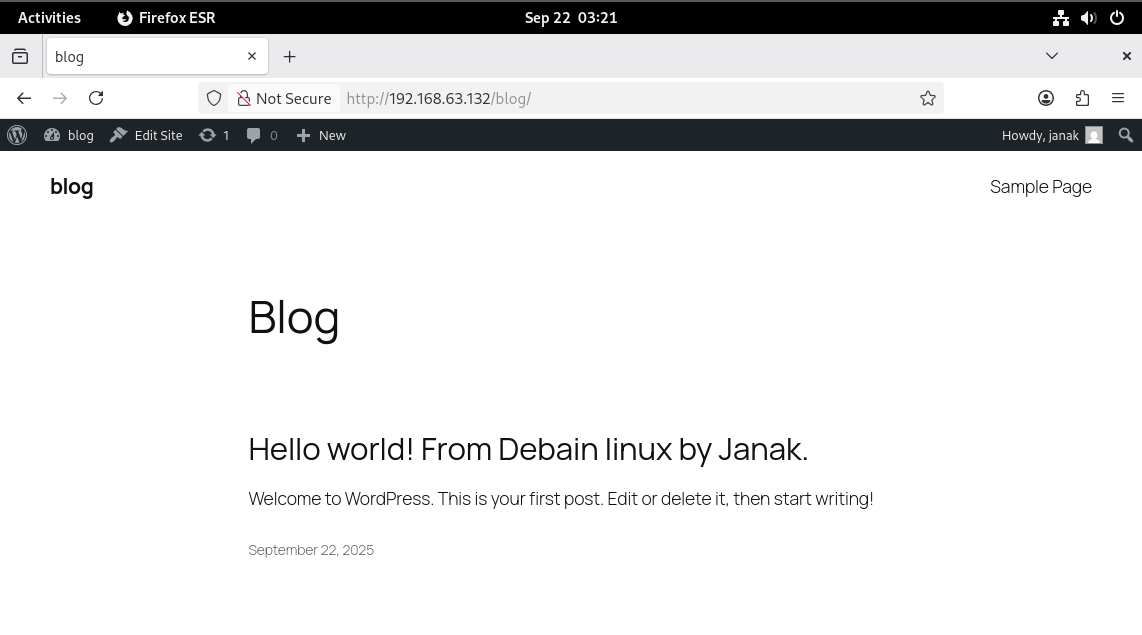
5. Install WordPress
Now open your browser:
http://192.168.63.132/blog
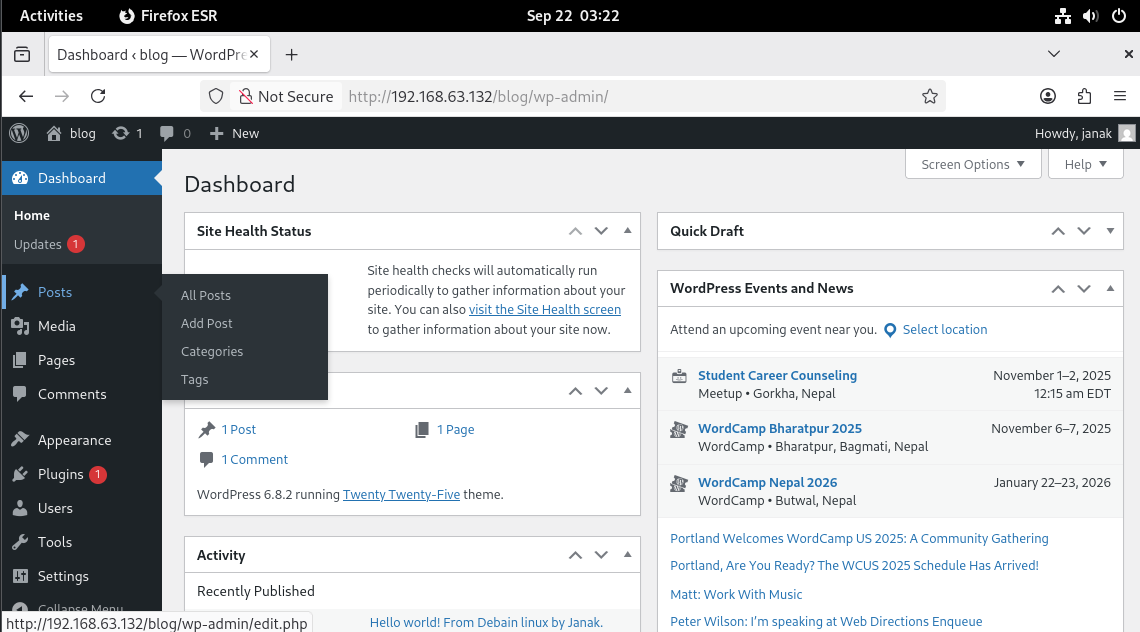
Follow the setup wizard (site title, admin username, password).
Thank You
This post is licensed under CC BY 4.0 by the author.